
QuickBooks Comparison
Which QuickBooks is right for you?
A side-by-side look at QuickBooks Pro, Premier and Accountant, and how QuickBooks Desktop compares with QuickBooks Online.
Desktop editions
Pro, Premier and Accountant at a glance.
The three editions share the same core features. The differences are in users, reports and remote access.
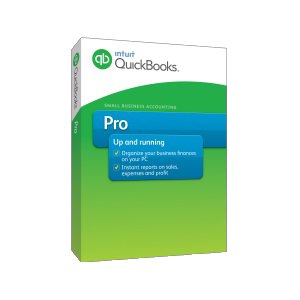
QuickBooks Pro
Best for small businesses getting their books in order.
Users
Up to 5*
Built-in reports
100+
Free remote desktop sharing
Not included
Digital licence
KES 18,000
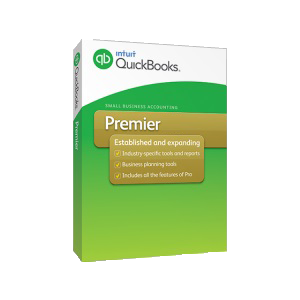
QuickBooks Premier
Best for growing businesses that need deeper reporting.
Users
Up to 5*
Built-in reports
135+
Free remote desktop sharing
1 year
Digital licence
KES 22,000
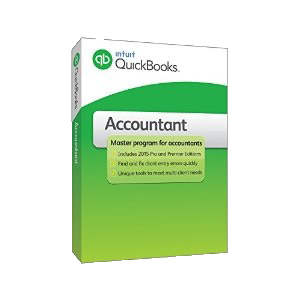
QuickBooks Accountant
Best for accountants managing several client files.
Users
Up to 30*
Built-in reports
135+
Free remote desktop sharing
1 year
Digital licence
KES 26,000
*Each additional user needs its own licence.
In every edition
The features all three editions share.
Inventory tracking with reorder points
Sales orders and purchase orders
Assemblies and units of measure
Multi-currency for 140+ currencies
Audit trail and closing-date protection
Accountant’s copy for year-end work
Financial statement designer
14 predefined user roles
Online or Desktop?
Two ways to run QuickBooks.
QuickBooks Online
Annual subscription, from KES 30,000 + VAT a year.
Use it from any device, anywhere
Updates and backups handled by Intuit
Invite your accountant to log in directly
No server or office network needed
QuickBooks Desktop
One-off digital licence, from KES 18,000.
Installed on your own computers
Works without an internet connection
Company file stays in your office
No longer updated or supported by Intuit
Intuit no longer supports these Desktop versions
QuickBooks Desktop 2018, 2019 and 2020 no longer receive updates or security fixes from Intuit, and online services such as bank feeds, online backup and payroll connections have ended. The software still runs and opens your company files. For a new setup, we recommend QuickBooks Online.
Still deciding?
Tell us about your business and we’ll recommend the edition that fits.